Offline-first POS for retail and food service chains

Sales run locally. Control stays central.

POSek combines POS, back office and offline-first mechanics built for chain rollout: central catalog, pricing and promotions, food service support, hardware integrations, and an audit trail for sensitive operations.

Offline + sync Central pricing & promos Retail + QSR RBAC + audit Hardware integrations
Built for multi-location rollout
Company-owned Franchise QSR Convenience Bakeries
Preview

One platform: POS + HQ

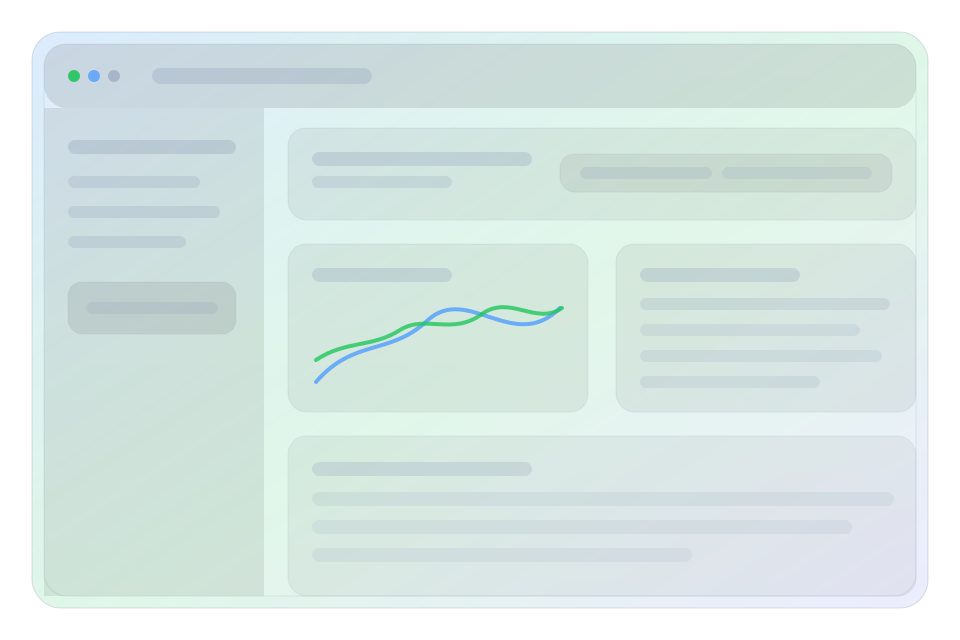
Preview of the POSek HQ dashboard

When the internet goes away, sales and key operations stay on the device. When connectivity returns, POSek syncs events to HQ.

Segments

Fit POSek to your operating model

Pick a segment — we’ll highlight the most important modules and problems we solve.

What matters on the shop floor

  • Fast checkout: scanner, scales, shortcuts, minimal clicks.
  • Promotions and discounts that stay consistent across locations.
  • Sales keep working offline; sync happens when connectivity is back.
  • Returns/voids with audit and permissions.

What HQ will love

  • Central catalog, pricing and promotions (distributed to POS).
  • Device/operator config, RBAC, sensitive action logs.
  • Daily reports and sync monitoring (outbox/retry/DLQ).
  • Ready for extensions: delivery/kiosk as modules.
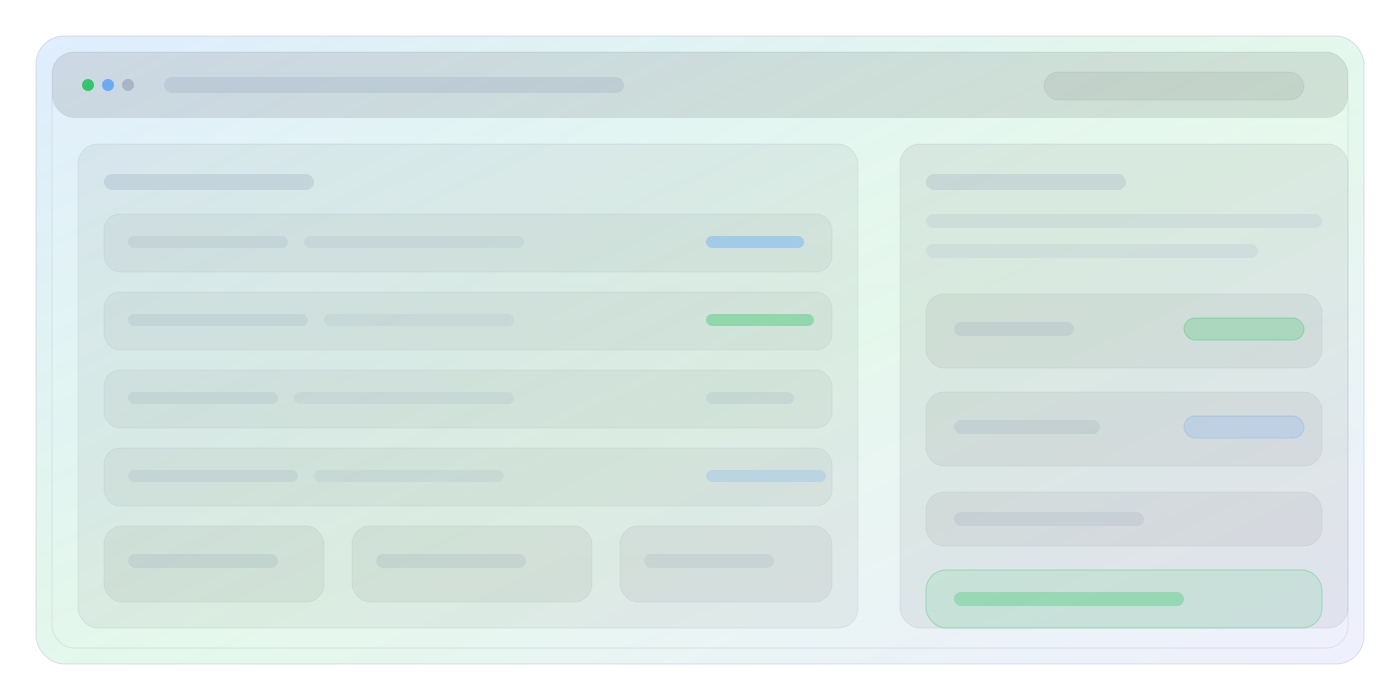
Visual: retail — fast checkout, promotions and centralized control
Quick start

Want to see your configuration in action?

In the demo we show the same core, with modules aligned to your segment (retail/QSR/franchise).

Why POSek

A POS for chains, not “for everything”

Designed for scale: many locations, consistent pricing and promotions, offline operation, and hardware integrations.

Peak-time performance

Queue-friendly UI: search, scanner, scales, shortcuts and minimal steps.

Central management

Catalog, pricing, promotions, device configs and permissions from one place.

Offline without stress

Sales run locally. Events go to the outbox and sync when connectivity returns.

Audit & control

Refunds, voids and price changes with logs and roles (RBAC). No more “who did that?”.

Integrations

Payment terminals, fiscalization, printing, scanners, scales — plus APIs for back office systems.

Wave rollout

Pilot, UAT, then rollout without downtime — with hypercare and clear SLA.

Diagram

POSek as an integration hub

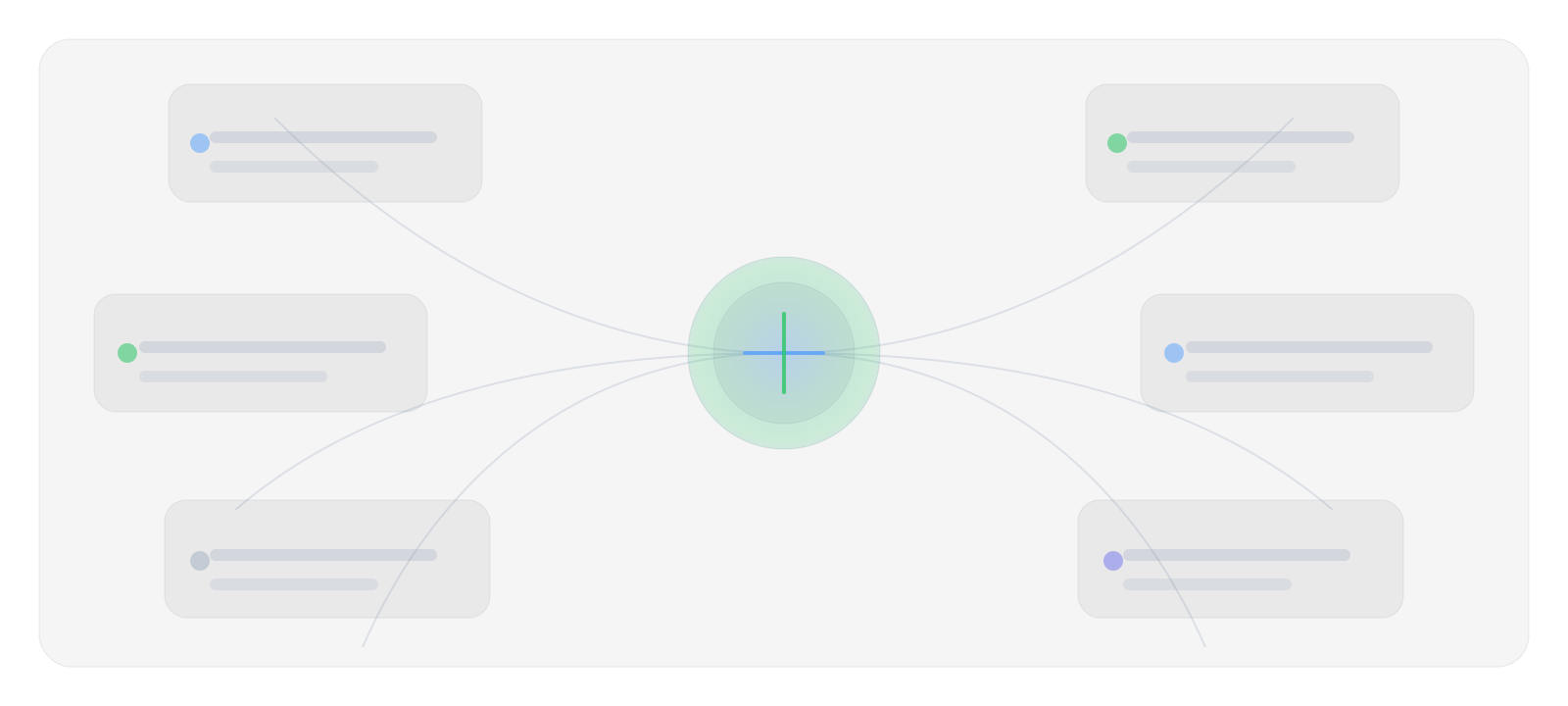
Diagram: POSek in the center, on-floor devices and back-office systems connected via APIs.

Integration map: devices, payments, fiscalization and APIs to back-office systems
Features

The core that gets work done

Sales, food service, back office and operations — tied to one data model and one HQ.

Sales

  • Weighed products, bundles, discounts and collision rules.
  • Payments: cash, card, BLIK, mixed.
  • Refunds/voids with operation logging.

Promotions & pricing

  • Central pricing and promotions distributed to POS.
  • Versioning and change history.
  • Local overrides controlled by permissions.

Food service

  • Paid/free add-ons, variants, combos.
  • Recipes and depletion (optional).
  • Ready for kitchen print / KDS integrations.

Back office

  • Manage stores, devices and operators.
  • RBAC + audit trail for sensitive operations.
  • Sync monitoring (outbox, retry, DLQ).

Inventory & operations

  • Deliveries, transfers, adjustments, stocktakes.
  • Daily reports and cash sessions.
  • Discrepancy control and incident workflows.

Extensions

  • Delivery/kiosk as modules.
  • API integrations (ERP/BI/CRM/accounting).
  • Flexible configuration by format and process.
Offline-first

How it works when the internet disappears (because it does)

POS doesn’t wait for HQ. Events are stored locally and sync when connectivity returns.

1

Sales runs locally

POS uses a local snapshot (pricing, promos, menu, permissions).

2

Outbox collects events

Every operation is queued for sending without blocking the cashier.

3

Sync and change distribution

When connectivity returns, events go to HQ and HQ distributes updates to POS.

POS (offline)
Outbox
HQ
Change distribution

Monitoring: outbox, retry, DLQ + alerts so you always know what’s happening across the network.

Integrations

POS doesn’t live in a vacuum

Hardware, fiscalization, payments and APIs — wired so it won’t fall apart during rollout.

Hardware

  • Store scales, scanners, cash drawers.
  • Printers and fiscalization (online).
  • Payment terminals (two-way).
scanning weighing fiscal payments

Back-office systems

  • APIs for integrations and exports.
  • Foundations for BI and reporting.
  • Extensions: delivery/kiosk.
ERP BI CRM Accounting

Security

  • RBAC and audit trail for sensitive operations.
  • Compliance and data hygiene (GDPR).
  • Access control + change history.
RBAC Audit log Telemetry Compliance
Rollout

Pilot, then rollout — without stopping sales

First we fit configuration and run a pilot. Then wave rollout, hypercare and stabilization.

Rollout plan

  1. Process analysis + configuration
  2. Pilot in one location
  3. UAT and adjustments
  4. Wave rollout (preferably off-peak)
  5. Hypercare and optimizations

Support & SLA

  • Incident handling and escalation model.
  • Agreed response/restore times.
  • Regular updates (security and regulations).
  • Sync monitoring and alerts.
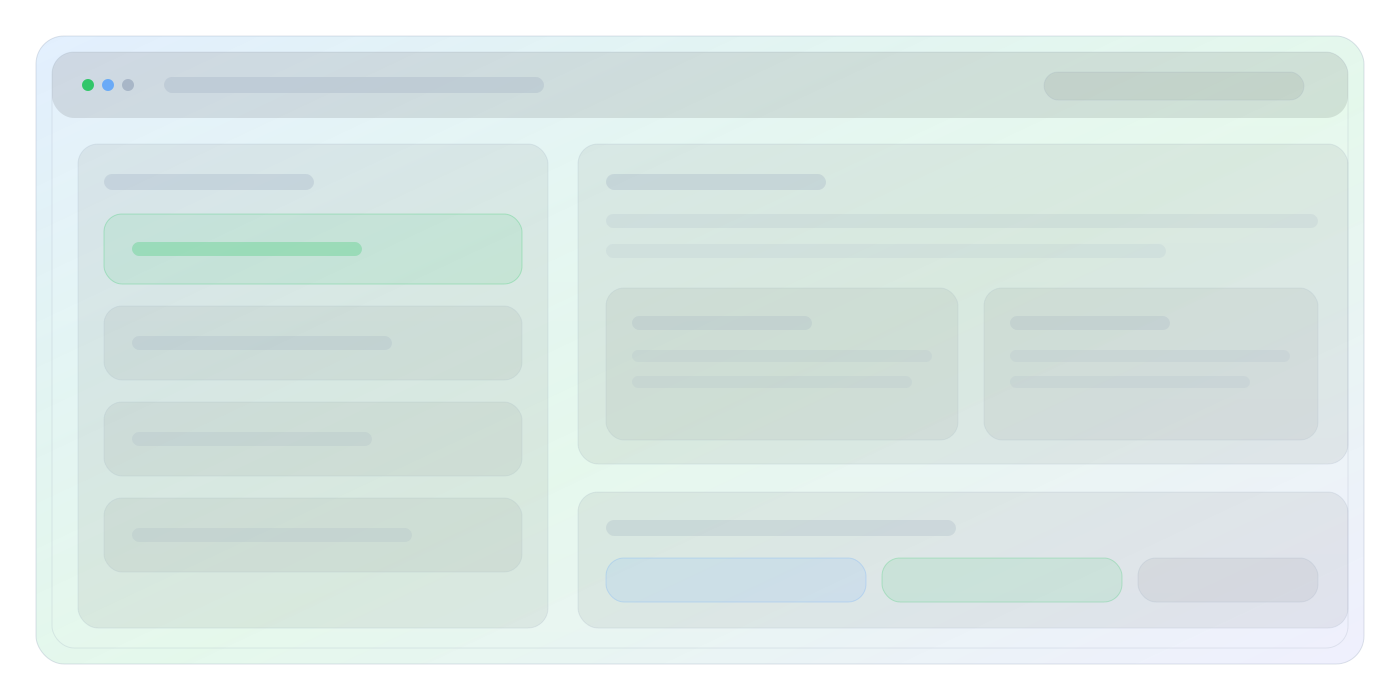
Visual: rollout stages — pilot, UAT, wave rollout and hypercare
FAQ

Questions you’ll ask anyway

Does checkout work without internet?

Yes. That’s the point of offline-first: POS works locally and data syncs later.

Can we reuse our existing hardware?

In most cases — yes, as long as the peripherals are supported. We close the compatibility list during the pilot.

How does central pricing and promotions work?

HQ manages the catalog, pricing and promotions, and POS pulls changes via distribution/sync.

What about food service?

Add-ons, variants, combos and (optionally) recipes/depletion are treated as core — not a “maybe later”.

Contact

See a demo tailored to your segment

Leave your contact — we’ll prepare a short walkthrough (15–30 min) for your processes.

Contact us

Email: hello@posek.pl
Phone: +48 123 456 789
(Update contact details in index.html and en.html.)

Quick form

This form doesn’t send data to a server — it opens an email draft in your mail client.